Home


Modern WireGuard VPN Management with Integrated DNS Ad-Blocking



What is WireBuddy?
WireBuddy is a web interface for managing WireGuard VPN servers with built-in DNS ad-blocking. It adds multi-user authentication (roles, passkeys, TOTP) and multi-node clustering on top of plain WireGuard management.
Key Features
-
Secure VPN Management
Multi-interface WireGuard management with automatic keypair generation, routing presets, and QR codes for easy mobile setup.
-
Multi-Node Deployment
Deploy WireGuard servers across multiple countries/regions with centralized management, automatic config sync, and per-peer node assignment.
-
DNS Ad-Blocking
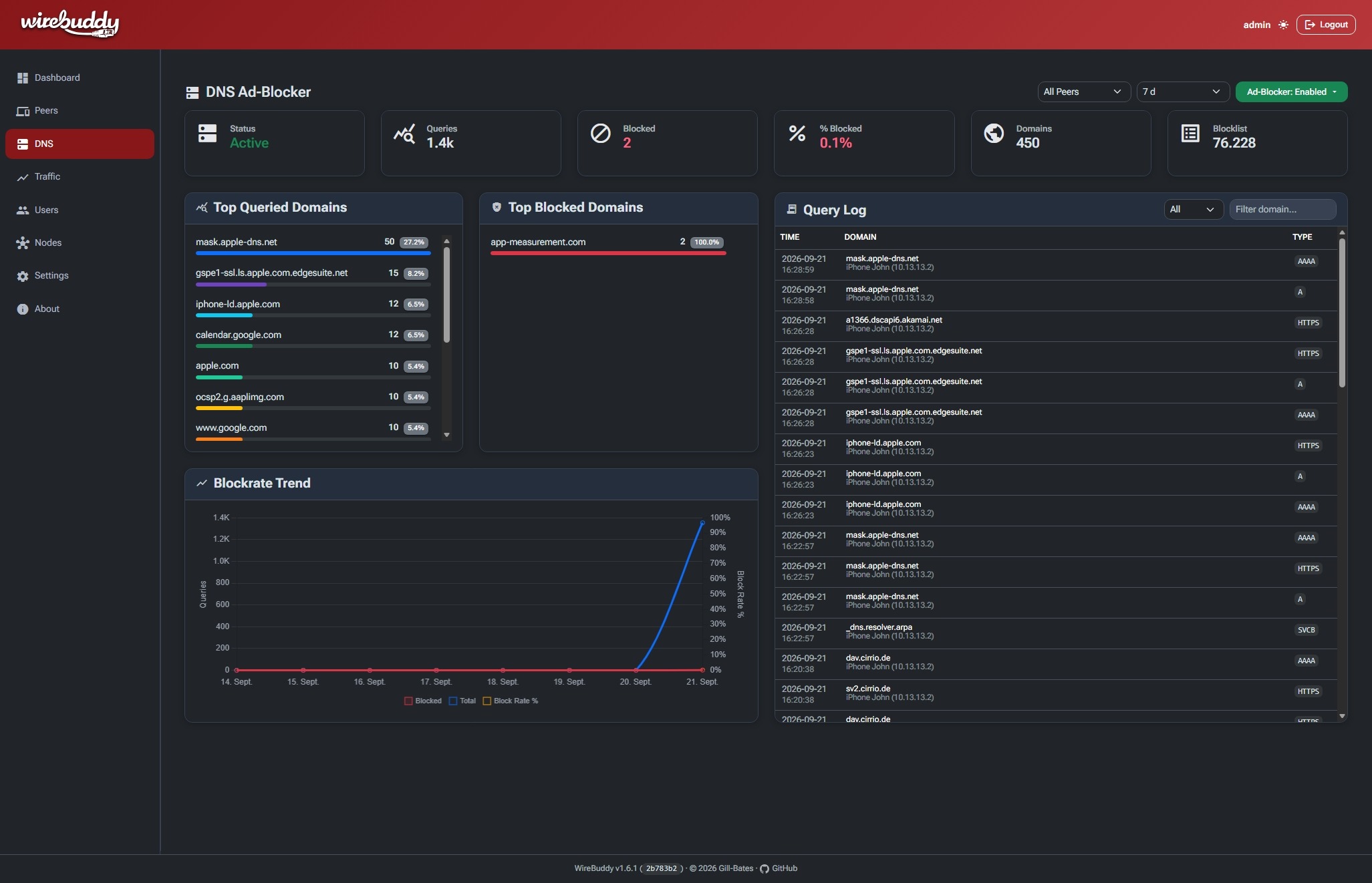
Integrated Unbound resolver with customizable blocklists, DNS-over-TLS, real-time query logging, and per-client custom rules.
-
Analytics & Monitoring
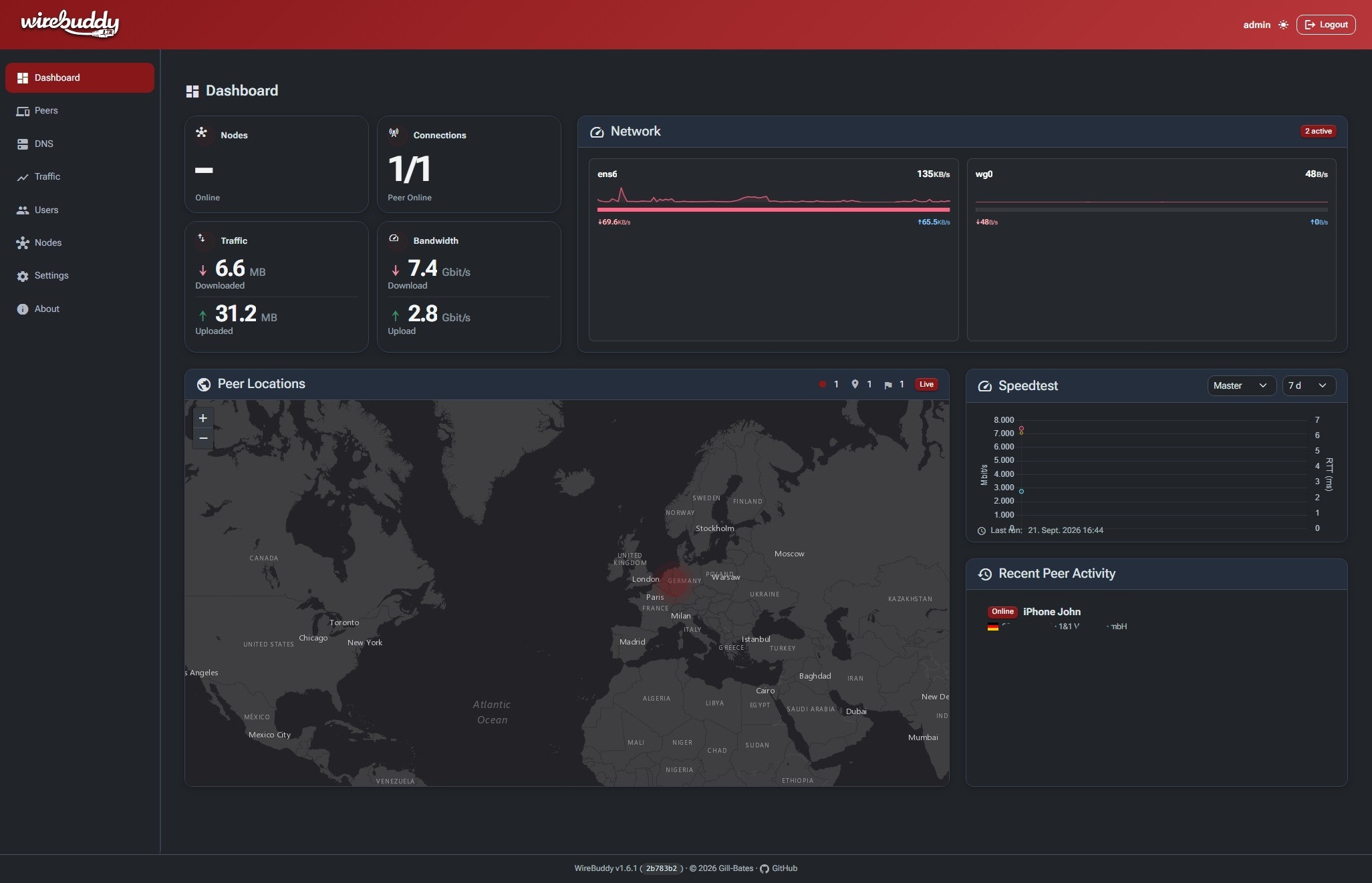
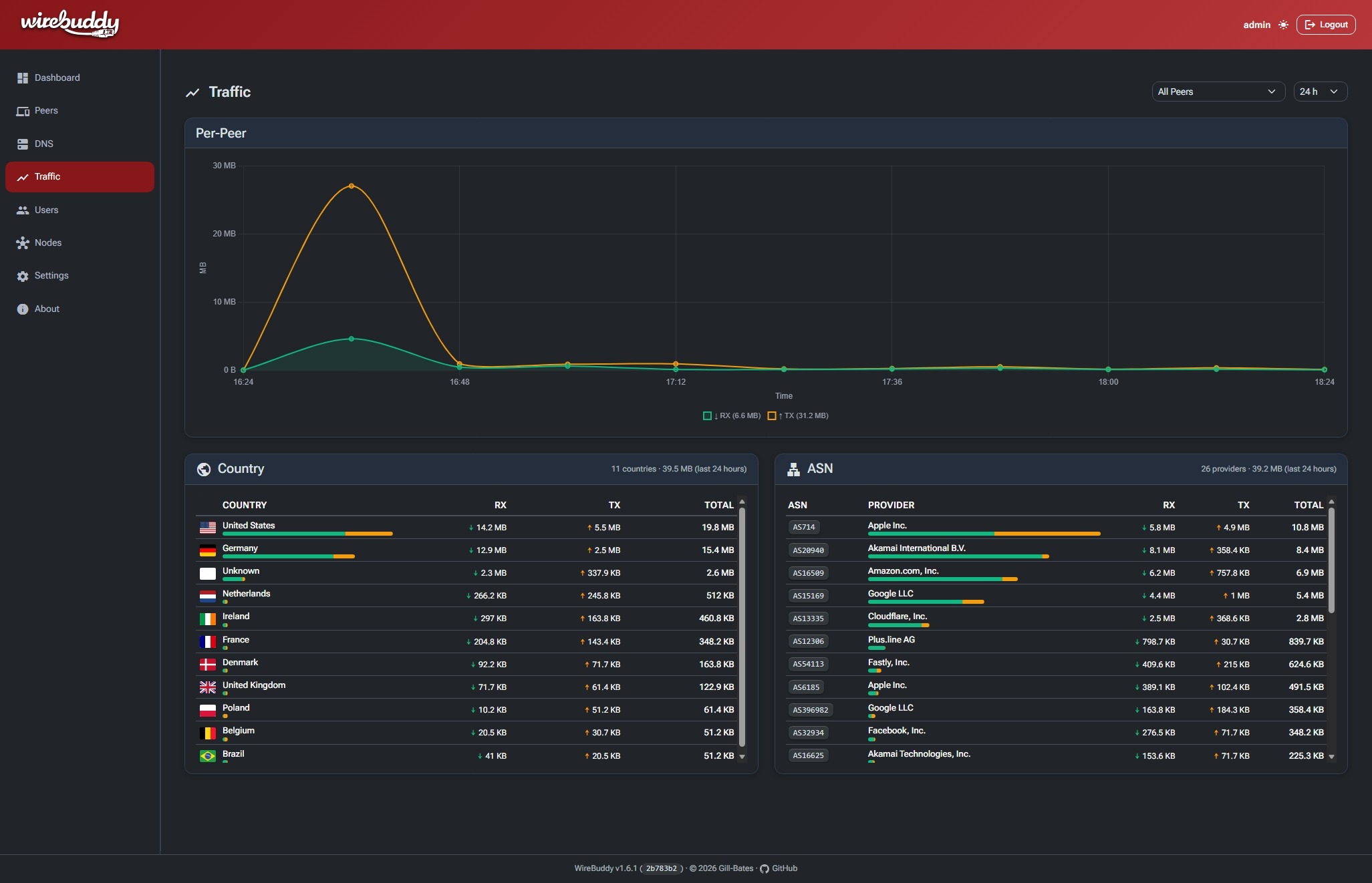
Built-in time-series database with per-peer traffic charts, GeoIP mapping, and traffic analysis by country & ASN.
-
Advanced Authentication
Multi-user support with Passkeys (WebAuthn), TOTP, and granular role-based access control.
-
Let's Encrypt Integration
Built-in ACME client with HTTP-01 challenge for automatic SSL certificate management.
-
Modern Web UI
Responsive Bootstrap 5 interface with dark/light/auto theme and Material Design icons.
Quick Start
Get WireBuddy up and running in minutes:
git clone https://github.com/Gill-Bates/wirebuddy.git
cd wirebuddy
cp .env-example .env
# Edit .env and set WIREBUDDY_SECRET_KEY.
docker compose --env-file .env -f docker/docker-compose.yml up -d
Default Access
Navigate to http://localhost:8000 and login with:
- Username:
admin - Password: printed once to the console at first startup (not logged, not stored). Read it with
docker logs wirebuddy
Warning
On first login WireBuddy redirects you to a mandatory password change screen; the temporary password is invalidated once you set a new one.
Full Installation Guide Quick Start
Screenshots
Security
Authentication, secret storage, CSRF and rate-limiting behaviour, and container hardening are described in the Security Overview.
Community & Support
License
WireBuddy is licensed under the MIT License.
Made with ☕ by Gill-Bates