Home


Self-hosted media downloader for YouTube, TikTok, Instagram & Facebook



What is fetchly?
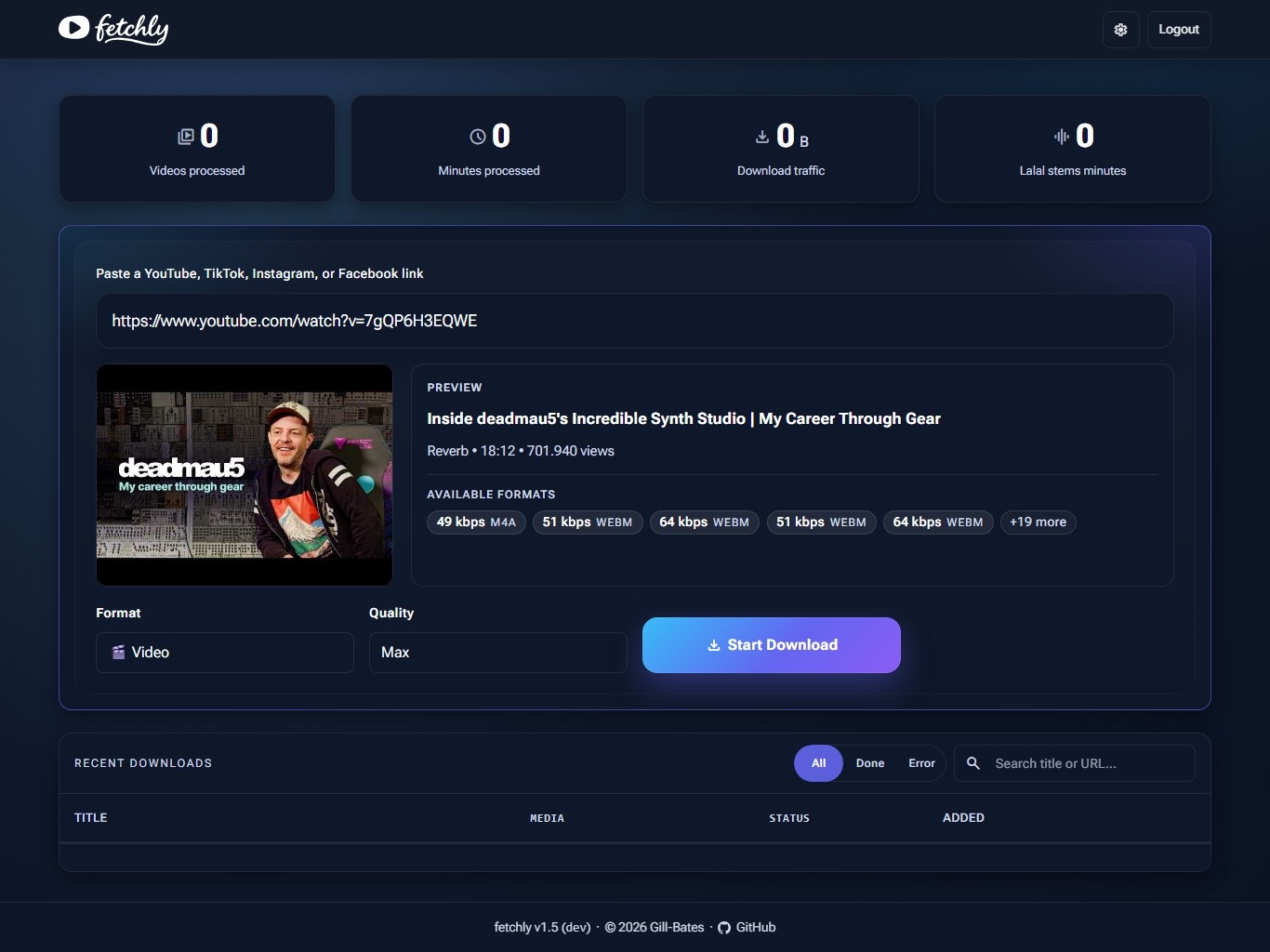
fetchly is a single-container web application that turns yt-dlp into something you can hand to a browser. Paste a link, preview the media, pick a format, and watch the job run on a live dashboard — no command-line flags, no one-shot invocations.
Beyond downloading, fetchly trims audio on an interactive waveform, detects tempo with two independent beat trackers, and — with an optional Lalal.ai key — separates vocals from instrumentals. Everything runs on your own hardware, against a SQLite database on a volume you control.
Key Features
-
Download
Video or audio from YouTube, TikTok, Instagram, and Facebook, with format and quality picked from menus instead of
yt-dlpflags. -
Live Dashboard
Every job status change —
queued,downloading,transcoding,analysis,done,error,cancelled— streams to the browser over Server-Sent Events. No polling, no page reloads. -
Trimming
Cut a segment out of a downloaded track visually with wavesurfer.js, then export the trimmed audio without re-downloading.
-
BPM Analysis
Tempo and beat confidence from a
beat_this/ Essentia cascade, cached by audio hash and folded into the download filename. -
Stem Separation
Connect a Lalal.ai activation key to split vocals and instrumentals from any finished audio job.
-
Share Links
Hand out an unguessable link to a finished download. Recipients need no account, and you can cap how often each link works.
-
Platform Cookies
Paste a Copy as cURL command from your browser to reach age- or login-gated content, per platform.
-
Hardened
Optional authentication, CSRF double-submit tokens, invisible anti-bot checks, per-route rate limits, and a non-root container.
Quick Start
export FETCHLY_SECRET_KEY="$(openssl rand -base64 32)"

docker run --rm \
  -p 127.0.0.1:8000:8000 \
  -e FETCHLY_SECRET_KEY \
  -v "$PWD/data:/app/data" \
  giiibates/fetchly:latest
First Access
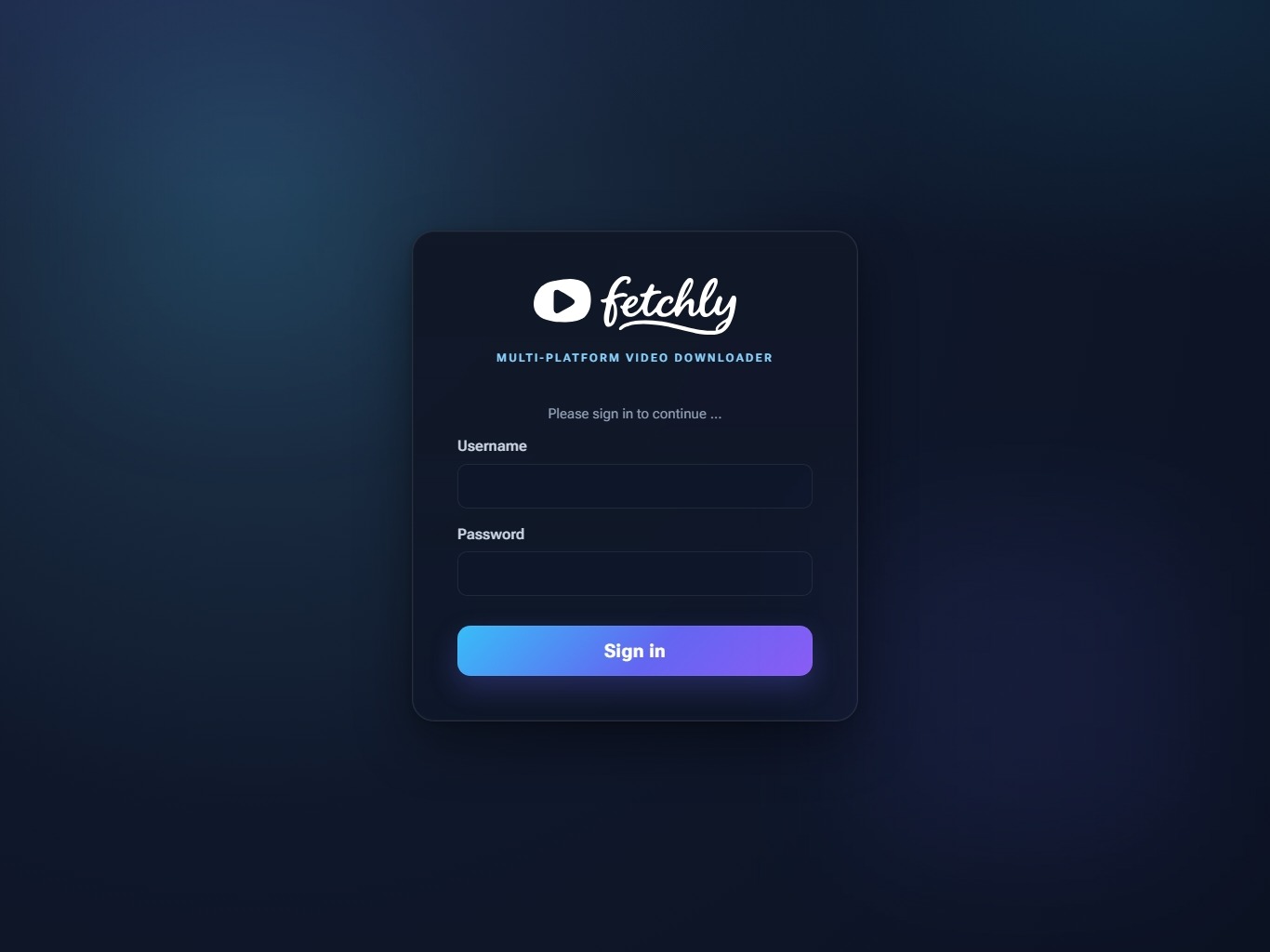
Open http://127.0.0.1:8000. Authentication is off on a fresh install and there is no built-in account — create an admin username and password under Settings → Security to require a login.
Never expose an unauthenticated instance
With authentication off, anyone who can reach the port can queue downloads and read every finished file. The command above therefore publishes on 127.0.0.1 only — -p 8000:8000 without a host address binds to every interface. Enable authentication before widening it.
Full Installation Guide Quick Start
Screenshots
Supported Platforms
| Platform | Video | Audio | |
|---|---|---|---|
 | YouTube | ||
 | TikTok | ||
 | |||
 |
Public URLs work without account cookies. Age- or login-gated content may work after importing a current signed-in session under Settings → Integrations; platforms can still reject stale or revoked sessions.
Why fetchly?
| fetchly | Plain yt-dlp | |
|---|---|---|
| Interface | Web UI with format menus | CLI flags |
| Job tracking | Live dashboard with SSE | One-shot command |
| Audio trimming | Interactive waveform | Manual ffmpeg |
| Tempo detection | Built-in, cached | Not available |
| Stem separation | Lalal.ai integration | Not available |
| Sharing | Token links with use limits | Copy files yourself |
| Deployment | One Docker image | Install and maintain yourself |
Built With
- yt-dlp + yt-dlp-ejs and deno — media extraction and YouTube JS-challenge solving
- ffmpeg — transcoding, audio trimming, and waveform generation
- beat_this and Essentia — BPM and beat-confidence analysis
- wavesurfer.js — browser-based waveform display and trim UI
- FastAPI, Gunicorn and Uvicorn — application framework and ASGI server
- Lalal.ai — optional vocals/instrumental stem separation
Community & Support
License
fetchly is licensed under the MIT License.
Made with ☕ by Gill-Bates